
Price: $28.75 gst Inclusive $25.00 gst Exclusive
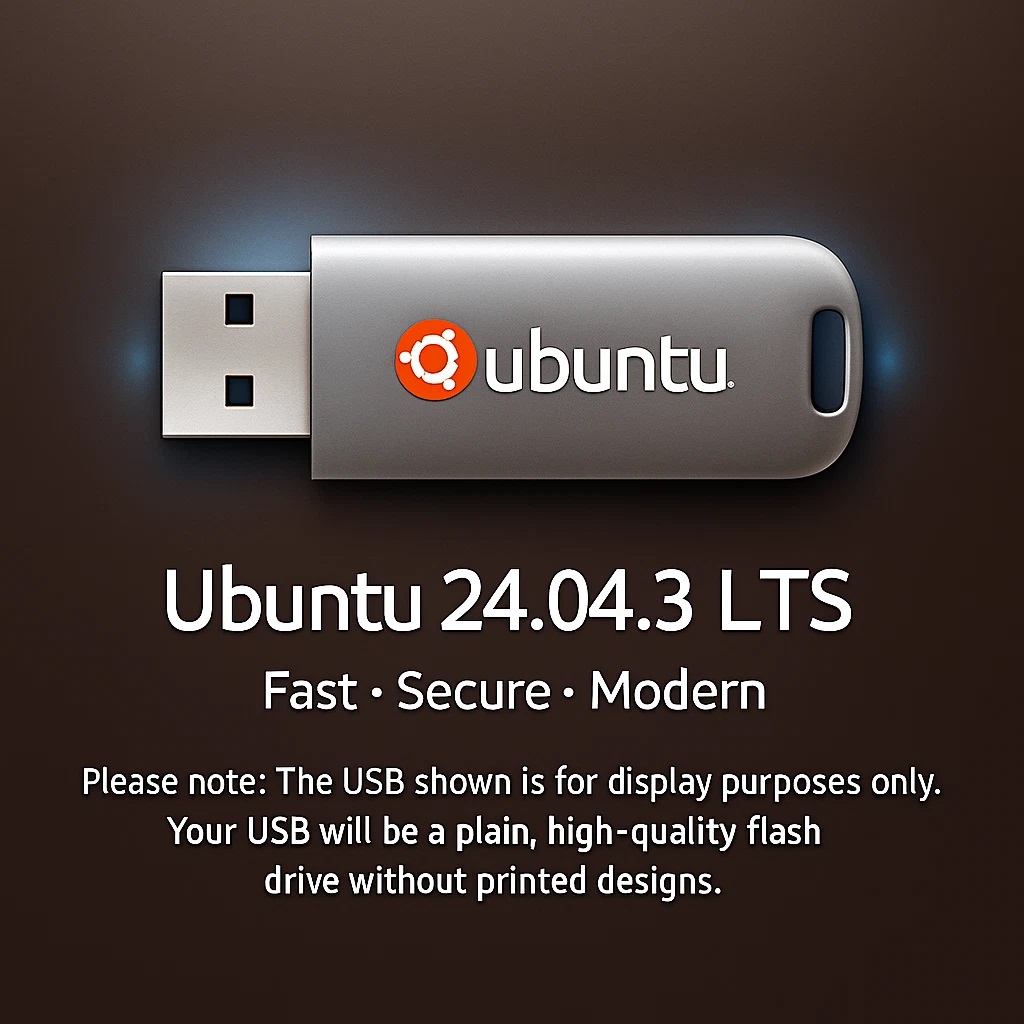
Ubuntu 24.04.3 LTS Bootable USB Flash Drive 64-bit for PC/Laptop
MPORTANT:
This USB Drive is by our self and fully tested, and you are paying for our time, materials and expertise to produce this USB installer, not the software itself.
This product is made by us from a brand new 32GB/64GB (brand and size up to the stock status between TeamGroup / Kingston / Sandisk .. and 32GB/64GB) pen driver for the fresh installation on the compatible Desktop PCs and Laptops.
⚙️ Why Choose Ubuntu 24.04.3 LTS
✅ Lightning-Fast Performance – Optimized for both new and older hardware
✅ Beginner-Friendly Interface – Easy point-and-click desktop (no coding needed!)
✅ Rock-Solid Stability – Backed by 5 years of official security updates
✅ Privacy First – 100% open-source and ad-free
✅ Compatible & Flexible – Runs popular software and recognizes most hardware automatically
🧰 What’s Included
Bootable USB Drive with Ubuntu 24.04.3 LTS (64-bit)
Live Mode — Try Ubuntu without installing
Simple, guided installation wizard
Built-in Software Center for one-click installs of thousands of apps
Automatic updates and full hardware detection
🧩 Popular Pre-Installed Software
🖋 LibreOffice – Create and edit Word, Excel, and PowerPoint files
🎨 GIMP – Professional image editor
🎥 VLC Media Player – Plays nearly any video or music file
🌐 Firefox – Fast and secure web browser
🎧 Rhythmbox – Built-in music player
💬 Thunderbird – Email made simple
💻 System Requirements
CPU: 64-bit Intel or AMD processor
RAM: 4 GB (minimum), 8 GB (recommended)
Storage: 25 GB free space
Boot: USB-boot capable
Internet: Recommended for updates & app installs
⚠️ Why Switch from Windows
⚡ Windows 10 support is ending soon
⚡ Windows 11 won’t install on many older PCs
💡 Ubuntu 24.04 keeps your computer running fast, safe, and up-to-date — for free!
⚡ Quick & Easy Install Guide
1️⃣ Insert the USB drive
2️⃣ Restart your computer and open the boot menu (F12, Esc, Del, or F2)
3️⃣ Select the USB device
4️⃣ Choose Try Ubuntu (no changes made) or Install Ubuntu
5️⃣ Follow the on-screen steps (language, Wi-Fi, etc.)
6️⃣ Reboot → Welcome to Ubuntu 24.04!