
Price: $29.90 gst Inclusive $26.00 gst Exclusive
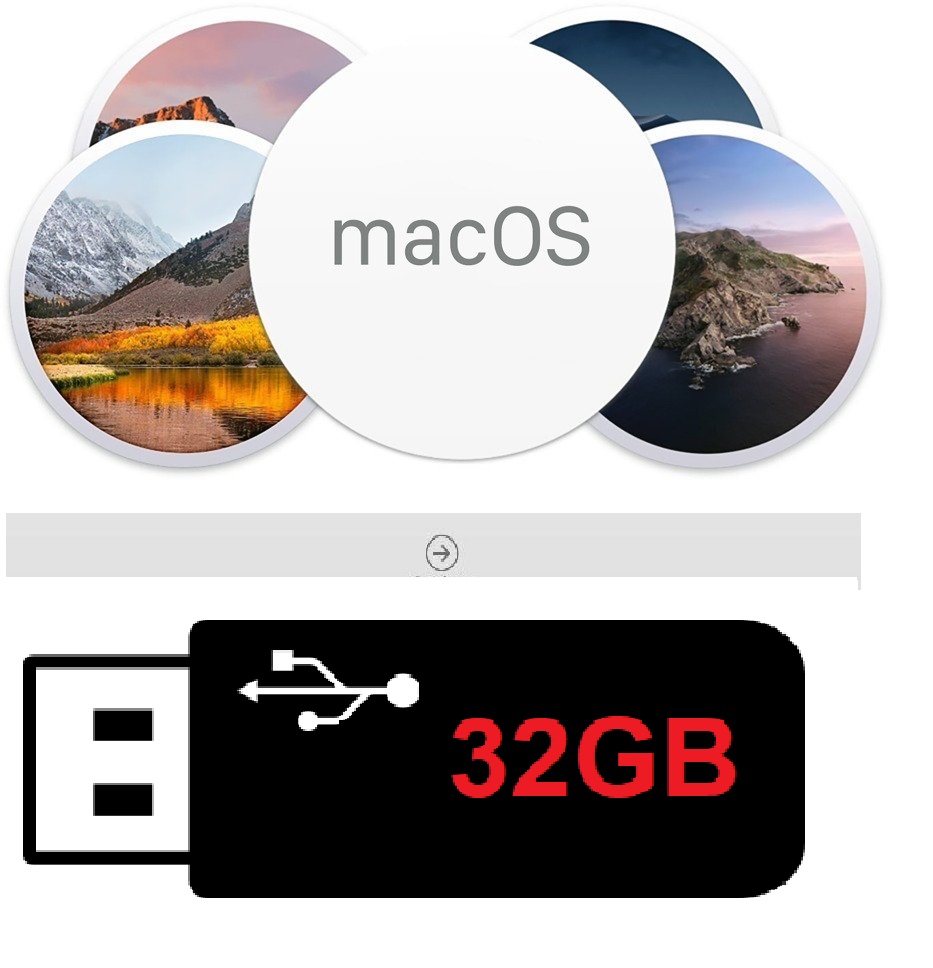
Bootable USB Installer Drive for Apple Mac OS System Recovery Kit
This Bootable USB Mac OS installer drive helps to:
- Upgrade/Restore/Clean Install Mac OS without needing internet connection.
- This is to help recover or upgrade your own Mac OS in case if the recovery partition is corrupted or damaged.
Ready‑to‑use USB installer for macOS Installation /Restore / Upgrade
* Fully bootable
* Clean installer image
* Works for upgrades, clean installs, and system recovery
* Individually tested before shipping
The purpose of this product is to you get a fully working OS by reinstalling the OS or recovery or just simply upgrade. Everything needed is provided on the USB drive along with instructions.
Each installer USB drive undergoes individual testing to verify that it boots and installs correctly, Pleasee be mindful to choose only the version you need for us to process the order, thanks
IMPORTANT:
This USB Drive is NOT produced by Apple, we make it our self , and you are paying for our time, materials and expertise to produce this USB installer, not the software itself.
This product is made by us from a brand new 32GB/64GB (brand and size up to the stock status between TeamGroup / Kingston / Sandisk .. and 32GB/64GB) pen driver for the fresh MacOS installation on the compatible Mac PC and Laptops.
Fully tested 100% working on the compatible Apple Computers and laptops.
pls check the following link for the full list of Mac models.
https://eshop.macsales.com/guides/Mac_OS_X_Compatibility
We have the full range of MacOs from MacOS 10.7 Lion up to the latest MacOS 27 Golden Gate and any version between installation drives, the same price,
any questions, feel free to email us sales@etccomputers.co.nz
Key points to remember:
- Check compatibility: Before upgrading, always verify if your Mac hardware is compatible with the macOS version you are to upgrade.
- Backup your data: Before any significant system upgrade, ensure you have a complete backup of your important data.
How difficult is to install ?
You just have to plug the USB and start your mac in boot mode by pressing ALT or Option key. Select the USB from the list and follow on screen steps. Further instructions and frequently errors encountered and fixes will be provided by email. If you are stuck please do not hesitate to contact us.
***Note : for the booting process ( OPTIONS key at startup) you must use a wired keyboard. The wireless ones will work only if manufactured by Apple. If using a windows wired keyboard it will not work all the time (some models)***
Return policy
There are no returns and refunds accepted. Buyer must make sure that this is what they needs. If bought by mistake or incompatible model chosen no refund will be provided if shipped. Buying means you agree with those terms and conditions.
Disclaimer:
This USB Flash Drive does not include a license, product key or COA. The Apple software is available free of charge to download from App store. Only works with Mac OS X based machine. You are paying for the USB, our time to make the USB and packing/shipping.
|
10.10 Yosemite, 10.11 El Capitan, 10.12 Sierra, 10.13 High Sierra, 10.14 Mojave, 10.15 Catalina, 10.7 Lion, 10.8 Mountain Lion, 10.9 Mavericks, 11.0 Big Sur, 12.0 Monterey, 13.0 Ventura, 14.0 Sonoma, 15.0 Sequoia, 26.0 Tahoe |
Before you purchase:
- Please search your device in the lower table and make sure that the choice you make is the right one.
- Do not try to install an macOS older than the manufacture year of your Mac.
Example: mid 2012 don’t try to install a macOS Lion
Example: early 2015 don’t try to install a macOS Yosemite
- If you don’t know what device you have, check for your serial number printed on your Mac and use it on https://everymac.com/ultimate-mac-lookup/and you will find out where to look on the table or all the info and upgrades you can do.
- If anything here is not clear please contact us.
MacOS 10.7 Lion
MacOS 10.8 Mountain Lion
MacOS 10.9 Mavericks
MacOS 10.10 Yosemite
MacOS 10.11 El Capitan
MacOS 10.12 Sierra
MacOS 10.13 High Sierra
MacOS 10.14 Mojave
MacOS 10.15 Catalina
MacOS 11 Big Sur
MacOS 12 Monterey
MacOS 13 Ventura
MacOS 14 Sonoma
MacOS 15 Sequoia
macOS 26 Tahoe
choose signature shipping an extra $5 to add USB Type-C male to USB A female adapter for USB-C port macbooks
-
32GB USB drive prepared with a clean, bootable macOS installer
-
Choose the macOS version you need (Ventura, Monterey, Big Sur, Catalina, Mojave, High Sierra, and more)
-
Works for:
-
Clean installations
-
Upgrading older Macs
-
Reinstalling macOS on a new or wiped drive
-
Recovery when macOS won’t boot
-